Multi-Team Kafka Alerting with Granular Ownership and Webhooks
Conduktor's alerts system gives teams ownership over their Kafka notifications with webhook integrations and event-driven alerting.

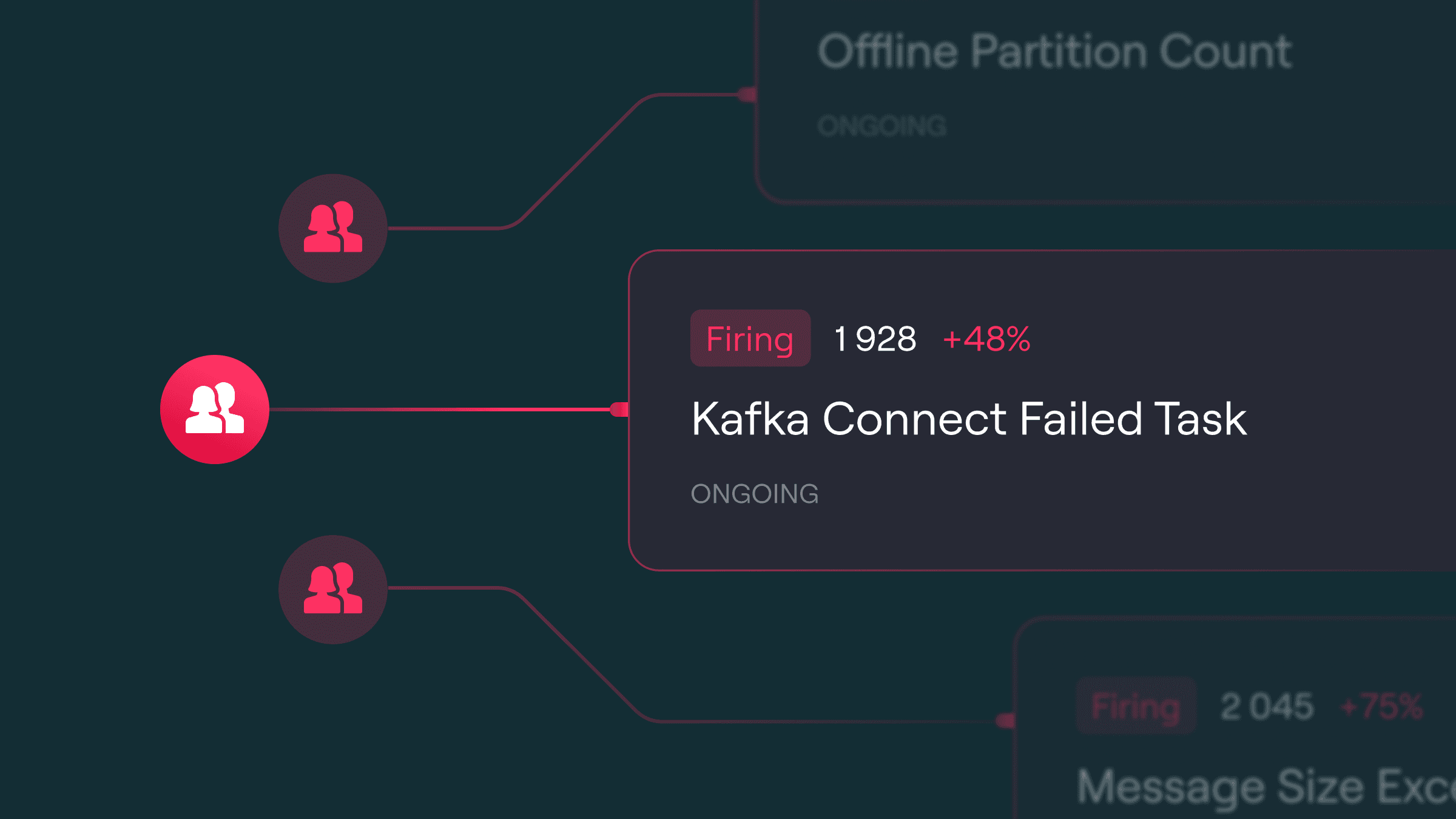
Outdated alerting tools create risk. Conduktor's alerts deliver real-time updates to keep your team in sync and your Kafka systems running before small issues become outages.
Why Global Alert Configs Break Down at Scale
As Kafka becomes central to data integration, teams need alerting that scales with them. Our original global configuration model created problems:
- Multi-Team Noise: Centralized configs meant teams couldn't tune notifications to their needs. Some drowned in noise, others missed critical alerts.
- Limited Integrations: Alerts only supported basic Slack or Teams, with no way to route different alert types to different channels.
- Metrics-Only Alerting: Restricted to Cortex metrics, users couldn't alert on Kafka events like consumer group state changes or topic updates.
Ownership-Based Alerting with Webhook Support
We redesigned alerting to give teams precision and control.
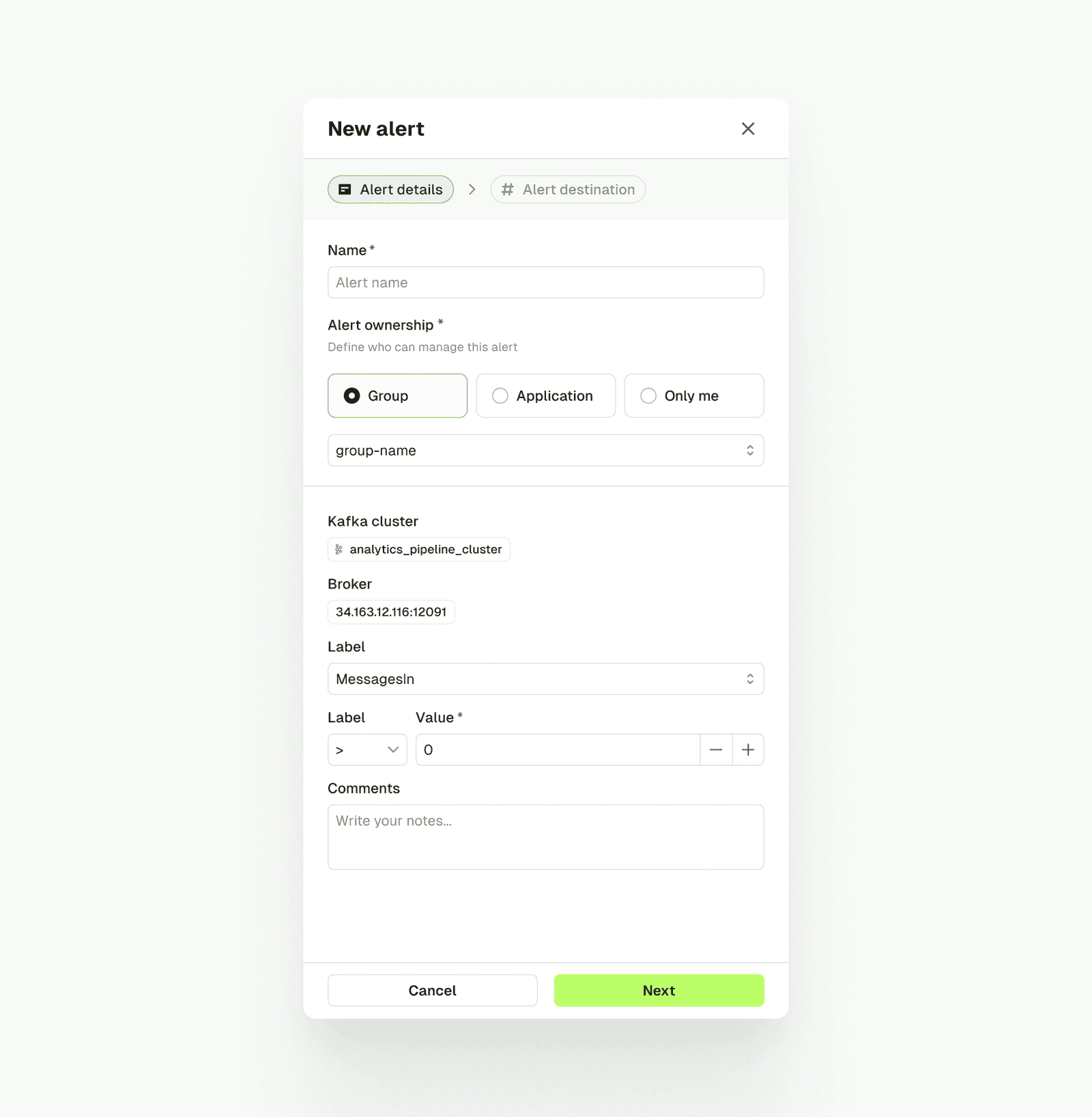
- Granular Ownership: Alerts have clear owners. Assign alerts to specific users, groups, or applications for targeted notifications.
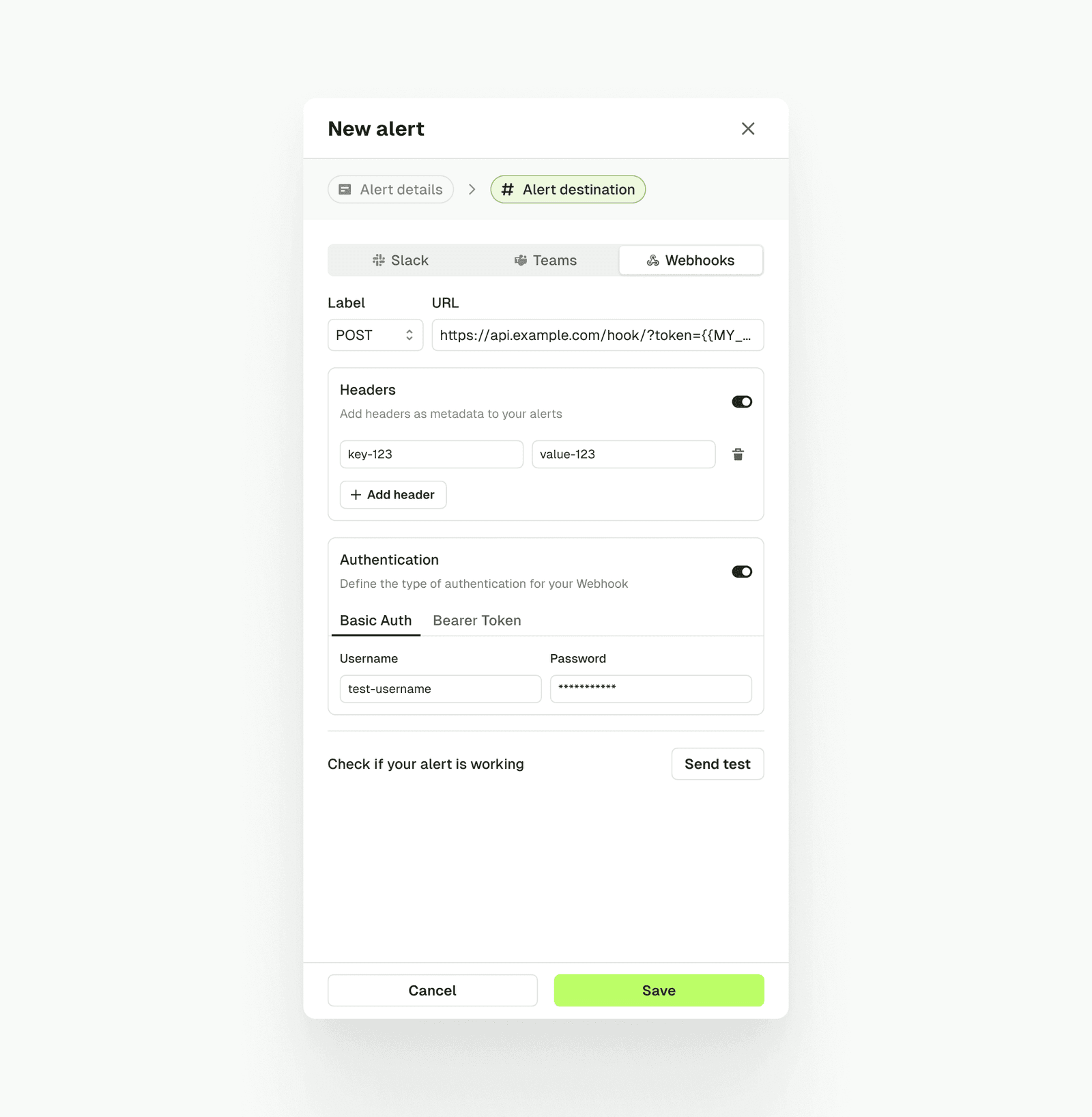
- Expanded Integrations: Connect alerts to Slack, Teams, and Webhooks. Configure multiple channels per team.
- Event-Driven Notifications: Get updates on consumer group state changes, topic modifications, and audit events.
- Self-Service Controls: Teams set up and manage alerts without admin bottlenecks. Built-in visibility controls maintain security.
Operational Impact
Precise, actionable alerts drive real results:
- Less Overhead: Granular configs reduce administrative work while improving visibility.
- Broader Adoption: Non-technical users can access and act on Kafka insights.
- Faster Response: Event-driven alerts and multi-channel delivery catch issues early.
Setup in Three Steps
1. Identify What to Monitor
Start with a metric or Kafka event: consumer group status, topic updates, or resource activity.
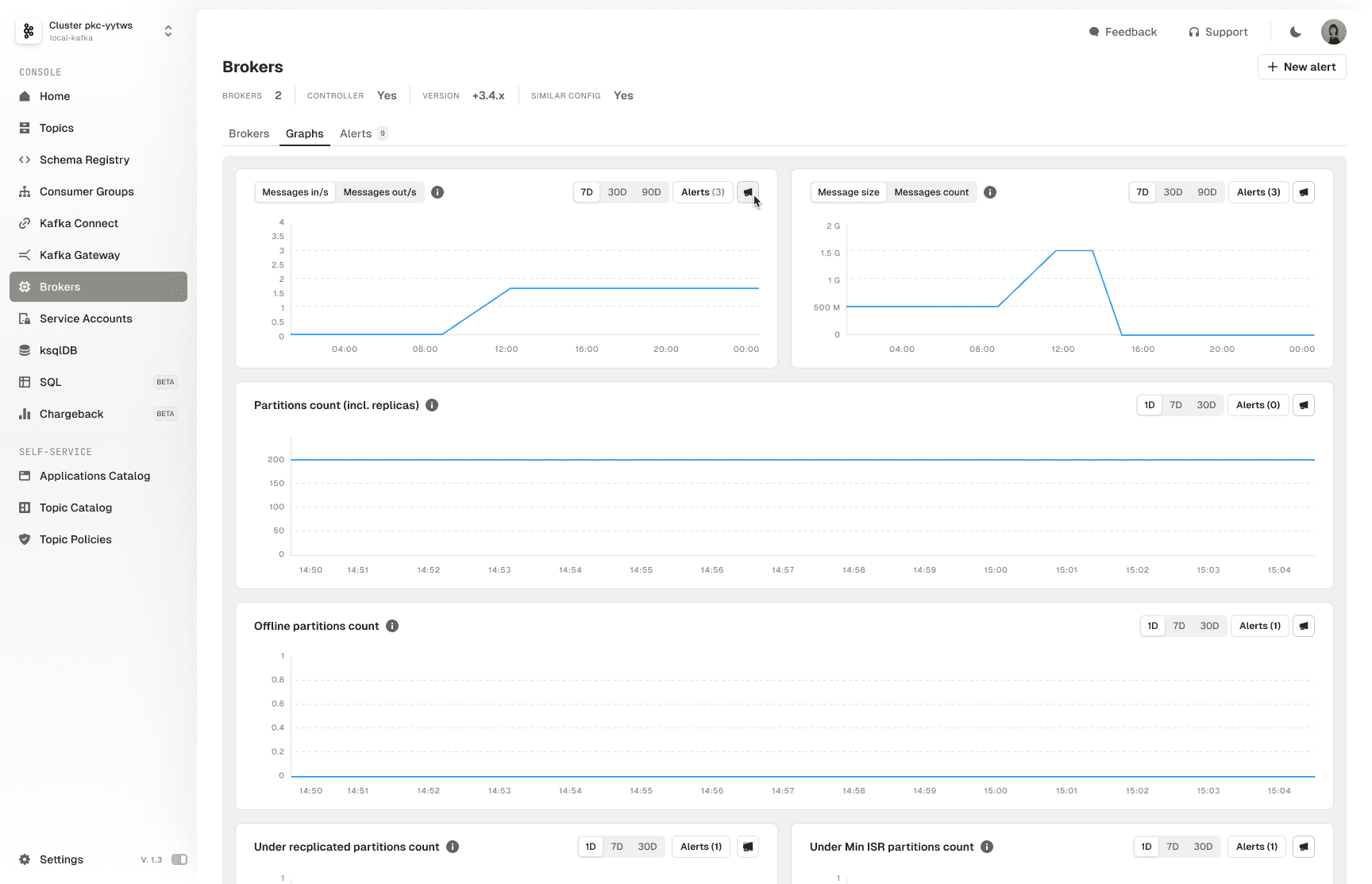
2. Define Alert Ownership
Assign the alert to a user, group, or application. This determines who sees and manages the alert.
3. Choose a Destination
Select Slack, Teams, or Webhook. Define channel parameters and authentication. Use the test function to validate before going live.
How Teams Use This
- 24/7 Reliability: Aggregate alerts in Grafana OnCall for round-the-clock escalation.
- Developer-Friendly Monitoring: Webhook integrations deliver monitoring as-a-service directly into development workflows.
- Compliance Triggers: Alerts can trigger actions like enforcing encryption on tagged topics or validating metadata via API.
What's Next
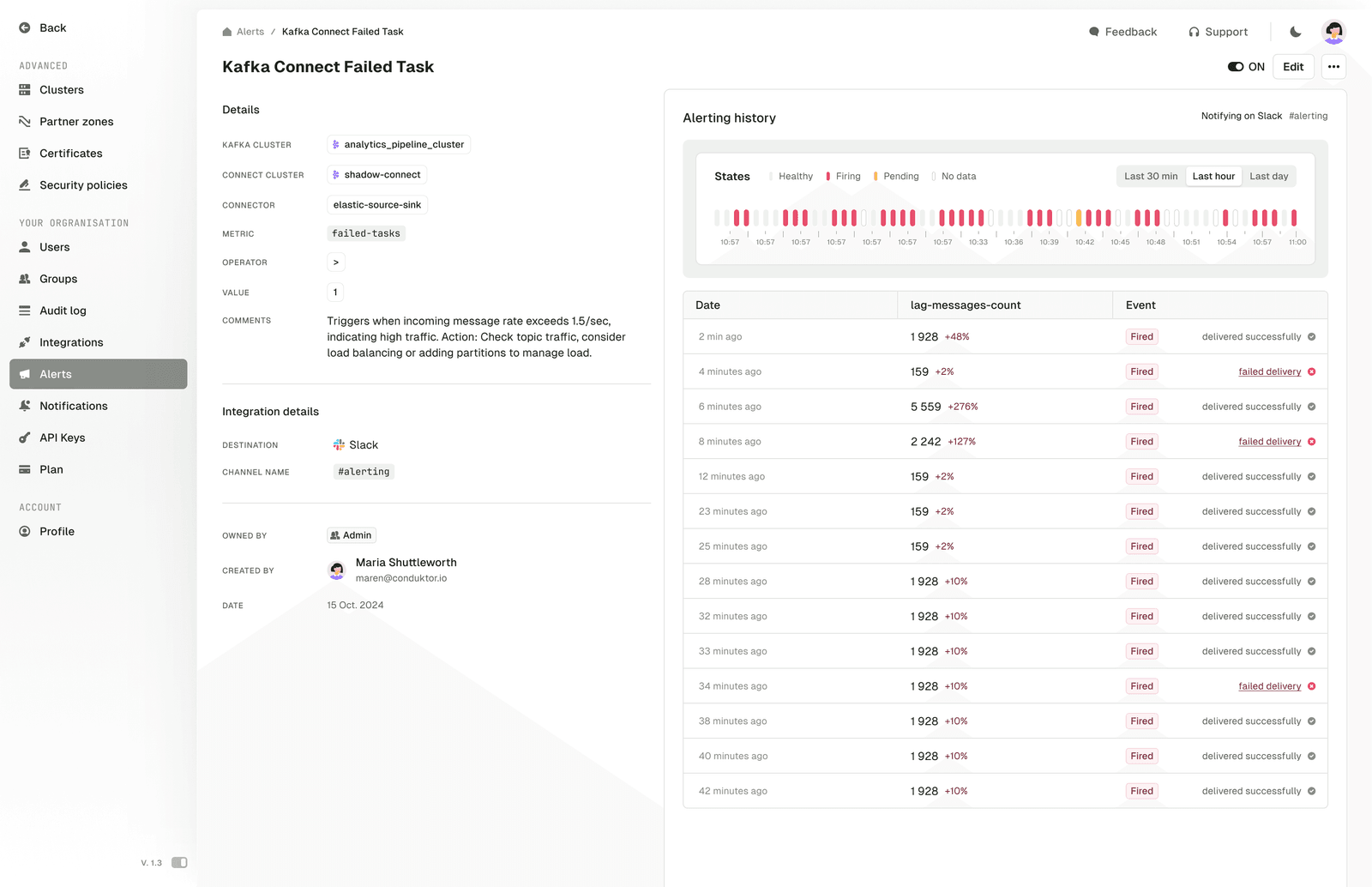
- Full Alerting History: Track past alerts to understand what happened and when.
- Resource Change Monitoring: Watch Kafka resources for topic creation, updates, record production, or label changes.
- In-App Notifications: Real-time notifications inside Conduktor.
Summary
Granular ownership and webhook integrations give multi-team environments the control they need. Teams collaborate effectively and resolve incidents faster without alert noise.
Book a demo to see how this works for your team.